
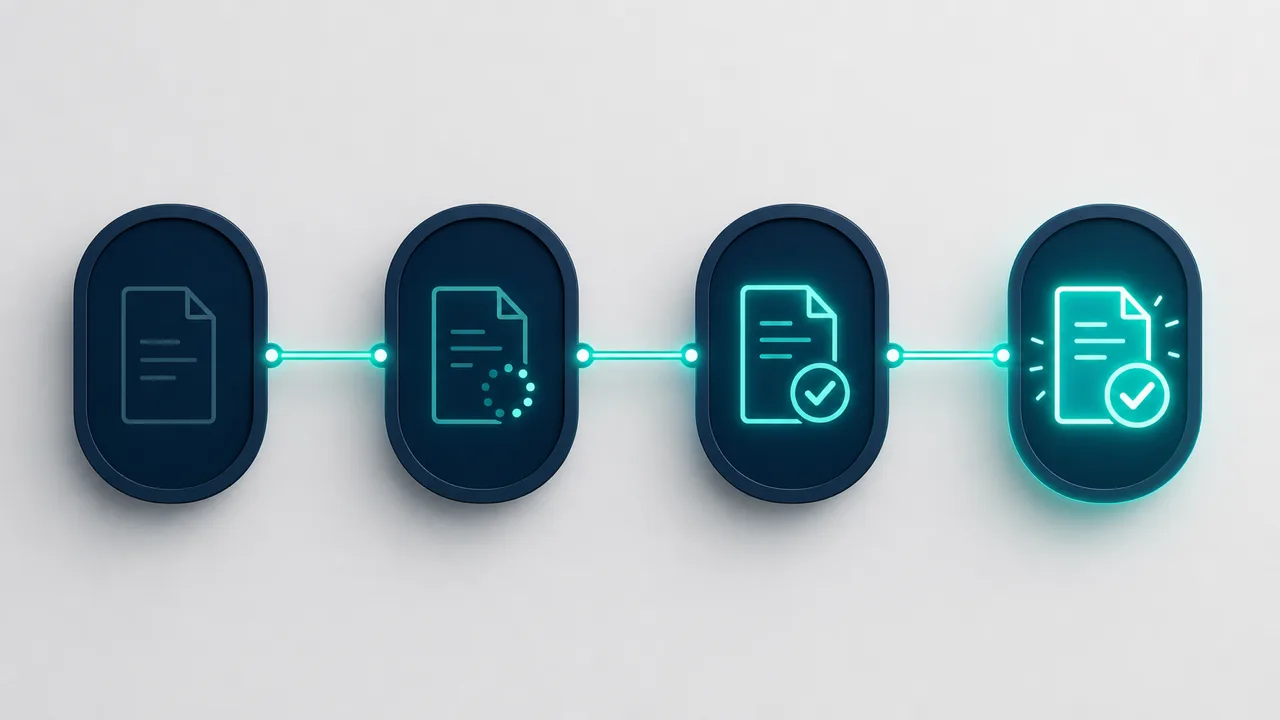
The Four AFNOR Statuses: What Your Finance Team Actually Does at Each One
Every invoice a French entity receives through a certified platform (a Plateforme Agréée) carries one of four mandatory AFNOR statuses: Déposée, Rejetée, Refusée, Encaissée. Most articles about the reform list the four names and move on. What matters operationally is narrower: which of the four require someone in your finance team to act, and which are just a record of what already happened.
What does Déposée mean, and does anyone need to act on it?
Déposée (filed) is set the moment your supplier deposits the invoice with their own certified platform, before it has even reached yours. It is not an action item — it is the starting gun. If a supplier tells you they sent an invoice weeks ago and nothing arrived in Business Central, checking whether it ever reached Déposée on their side is the first diagnostic step, not a Business Central problem.
What does Rejetée mean, and how is it different from a refusal?
Rejetée (rejected by the platform) happens before a document becomes something you act on in Business Central at all — typically a technical or format failure caught by the platform layer, not a business decision by your team. This is the status people most often confuse with Refusée, and the distinction matters: a Rejetée document usually means your supplier has a data problem to fix and resend, not something for your AP team to review line by line.
What does Refusée mean, and what does Business Central actually require here?
Refusée (rejected by you) is the one status your team sets deliberately. If a purchase draft does not match — wrong amount, wrong PO reference, a line that should never have been billed to your entity — FacturaLink surfaces a Refuse action inside the draft itself. Refusing without a reason is not compliant: the reform requires an AFNOR reason code, and Business Central sends that code, plus an optional note, back to the platform as the outgoing status message. Your supplier sees a specific, coded reason, not a vague “disputed.”
This is also where a group most often gets the interaction wrong: entity-level staff refuse a document without checking whether the discrepancy is a data problem (fixable, resend) or a real commercial dispute (not fixable by resending the same invoice in a different format). The reason code should tell you which one you are looking at before you post anything.
What does this look like end to end for one invoice?
Take a routine case: a subsidiary receives a purchase invoice through the connected platform. It appears in Business Central as Déposée the moment the supplier files it — nothing to do yet. The platform validates the format and passes it through; if it had failed that check, it would show Rejetée instead, and the fix would sit with the supplier, not your AP team.
Assume it passes. The purchase draft opens with the supplier, amount, and lines already populated from the e-document. Someone matches it against the purchase order. Two outcomes from here: if it matches, it gets posted, and the platform receives an approval status automatically — no manual signal beyond posting the document, because Business Central sends that on your behalf. If a line does not match — say a delivery charge was billed that was not on the order — the draft gets Refusée, with a reason code selected in the same screen and, ideally, a short note. The supplier sees exactly why, and can correct and resend rather than guess.
Weeks later, once the supplier’s own accounting confirms they were paid, Encaissée arrives back on the same document. Nobody in your team does anything to trigger it; it closes the loop for anyone auditing the file later. The entire cycle — four statuses, one manual decision — happens without anyone leaving Business Central or reconciling a second system by hand.
What does Encaissée mean if I am the buyer, not the seller?
Encaissée (paid) is reported back to you once your supplier’s own platform confirms they were paid — by you or, in factoring arrangements, by whoever they assigned the receivable to. For a buyer, this is not an action item either; it is confirmation the cycle closed cleanly on the record both sides share. Its value is negative-space: if an invoice you know you paid never reaches Encaissée, that is worth investigating before your supplier’s collections team calls about it.
Where do the actual deadlines sit in this cycle?
Not on Déposée or Encaissée — those happen to you. The deadline pressure sits entirely on Refusée: the reform expects a buyer to react to an incoming document within a defined window, and a purchase draft sitting untouched in Business Central is not a neutral state, it is a clock running. A group with several entities and no single owner for “who checks the drafts” is the group that discovers a document aged out of its response window during a month-end close, not before.
What happens if nobody in the entity checks the drafts?
The failure is not usually a lost invoice — Business Central keeps the record. It is a stale one: a purchase draft sitting unrefused and unposted because ownership of “who works the drafts for this entity” was never assigned when the reform went live. We map that ownership question — group-level platform strategy versus entity-level data and testing ownership — as one of the decisions that has to be made once, not rediscovered every time a document stalls.
The Asio Services way
We built the Refuse action and the AFNOR status tracking into the purchase draft itself, inside FacturaLink, because a status your team has to look up in a separate tool is a status that gets checked less often than it should. If your entities do not yet have a clear answer to “who checks the drafts,” start with our clarity form and we will help you find it before the reform does.
FAQ
Do all four AFNOR statuses apply to every invoice?
Déposée and, eventually, either Refusée or an implicit approval always apply. Rejetée only appears if the platform catches a technical problem before the document reaches you. Encaissée depends on your supplier’s own reporting once payment is settled.
Can a document move from Rejetée back to a workable state?
Not the same document. Rejetée means the platform did not accept it as valid; your supplier corrects the underlying data and resends, which arrives as a new document, not a fixed version of the old one.
Does refusing a document with an AFNOR reason code cancel the invoice?
No. It sends a coded status back to your supplier’s platform stating why you did not accept it as presented. What happens next — a corrected resend, a credit note, a commercial conversation — is between you and the supplier; Business Central and the platform only carry the status.
Who should own checking purchase drafts inside a multi-entity group?
Group-level ownership of the platform contract and strategy, entity-level ownership of the actual drafts — because the failures that matter happen at the record level, entity by entity, not at the group dashboard level.